
FROM PRODUCT TO TEAM ORDER
A clearer way to order for the whole team
Choose a product, prepare your shared team details, add your roster in one batch, and review everything together before checkout.
- 01Prepare
- 02Choose
- 03Batch-add
- 04Review
BEFORE YOU START
Three things make ordering easier
Choose your sport
Start with the product shape and style that fits your team.
Gather team details
Prepare names, numbers, sizes, and the artwork your group shares.
Choose a reviewer
Have one organizer check the full order before it moves to checkout.
THE PROCESS
Four steps to a team-ready order
Each step keeps the next decision visible, so the organizer always knows what to prepare and review.
-
01
PREPARE SHARED DETAILS
Add your team information
Sign in to keep Team Assets and Team Roster information together before you begin personalizing products.
- Shared logos and artwork
- Member names, numbers, and sizes
Team images1 / 3Private team images
+ Add filesGEARVIZERoster items3 savedAddImportExportBrown
Number 1 · XLEditJames
Number 2 · 2XLEditJohn
Number 3 · LEdit -
02
START WITH A PRODUCT
Choose your teamwear
Browse by sport and open the product that gives your group the right starting shape, fit, and available options.
- Select the product and size range
- Review the product information
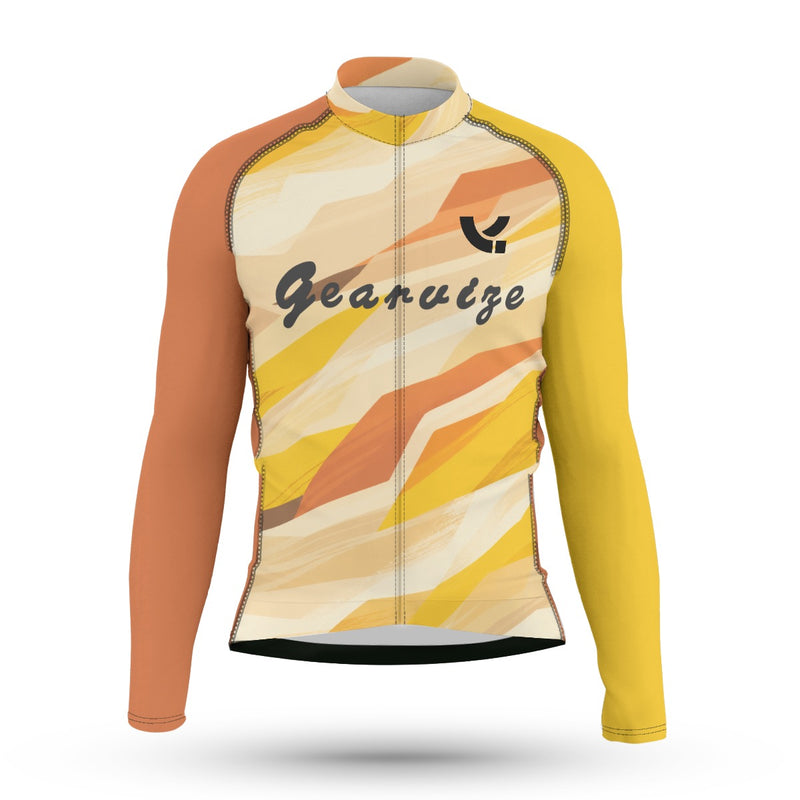 Cycling Long-Sleeve Jersey – Amber Terrain$49.12SizeSMLXLColor WhiteTeam images & Team details
 -
03
BATCH-ADD YOUR ROSTER
Add every member in one order
Open Team Roster, select the members you need, and add one item in the saved size for each person. Personalize individual items without rebuilding the cart.
- Select multiple saved members
- Match each item to the member's saved size
Team roster3 selectedSearch rosterAll sizesAdd selected to cart✓BrownNumber 1 · XL
Personalize✓JamesNumber 2 · 2XL
Personalize✓JohnNumber 3 · L
Personalize -
04
REVIEW AND CHECK OUT
Check the whole order
Review member-specific lines, images, sizes, and quantities together, then continue to checkout when the group is ready.
- Confirm every member line
- Check sizes and quantities
Amber Terrain Cycling JerseyBrown · XL · Personalized$49.12
Amber Terrain Cycling JerseyJames · 2XL · Personalized$49.12
Subtotal$147.36Check out
ORDER WITH CLARITY
Built-in checkpoints before checkout
- Preview the designSee the current personalization while you work.
- Review every memberKeep names, numbers, sizes, and quantities visible.
- Ask for helpUse the support path when the order needs another set of eyes.
COMMON QUESTIONS
Before you build your order
Do I need an account?
You can browse products without signing in. An account is needed when you want to use saved Team Assets and Team Roster details.
Can members have different names, numbers, and sizes?
Yes. Work through the roster member by member and apply the details required for each personalized item.
Can I review the design before checkout?
The customization flow provides a preview while you work, and the completed member lines can be reviewed together before checkout.
Where do I check shipping and return information?
Review the current Shipping & Returns page before placing your order.
READY WHEN YOU ARE